You don't need to re-run an entire property's research to refresh a single section. Each section's page has its own Rerun button so you can update Comps, Taxes, or Units independently.
When to re-run a section
- You uploaded a new rent roll. Re-run Units to pull in the new doors.
- A new comp closed. Re-run Comps to pick up the recent sale.
- The county updated a tax record. Re-run Taxes.
- You corrected Basic Info. Re-run AI Summary so the narrative reflects the corrected facts.
How to re-run
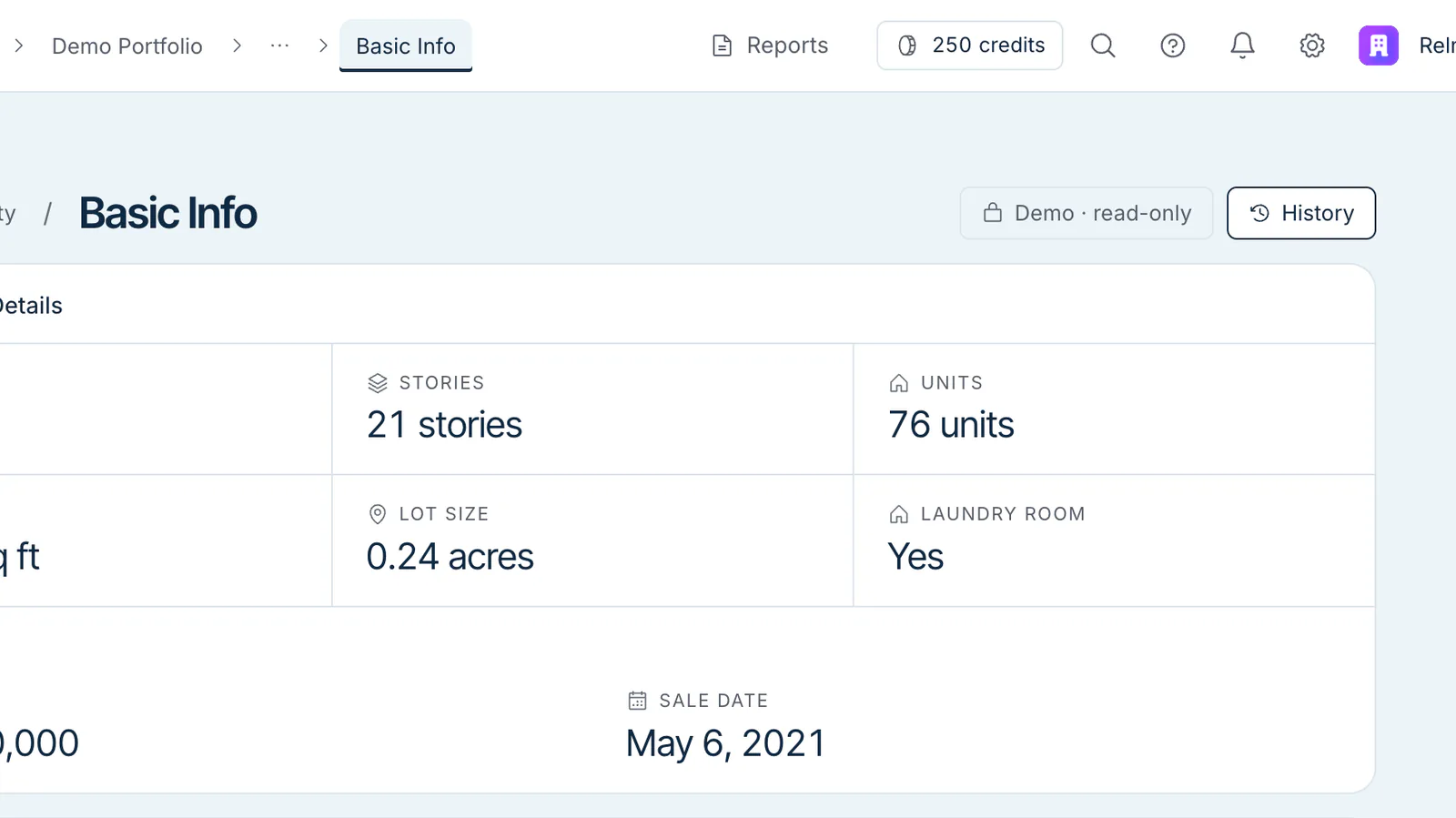
The Demo Portfolio's property is read-only, so its section pages show a Demo · read-only badge where Rerun would be. On your own properties:
- Open the section's page (click its card on the property workspace).
- Click Rerun in the section header.
The section shows Analyzing... with a Stop button while it runs. Other sections are unaffected.
The Financial section doesn't have a Rerun button — to rebuild the pro-forma, use Re-Run Analysis on the Financial page (see Generate with AI).
What gets overwritten
A section re-run replaces:
- Agent-produced values — yes, fully overwritten.
- Citations — re-derived from the new run.
- Values you corrected by hand — Relm doesn't ask before it overwrites and there's no merge option, so note any corrections before you re-run and re-check them afterwards.
What's preserved
- History — edits you've saved stay listed in the section's History.
- Document attachments — the documents you uploaded stay attached.
- Lock state — re-running doesn't release someone else's edit lock.
Re-running while someone is editing
A teammate's edit lock doesn't block a re-run. If someone is editing the property (the section header shows "[name] is editing"), check with them first — the re-run's results land in the section while they're working.
If their lock is stale and they've walked away, an admin can force unlock — but that discards their pending edits, so check before doing it.
Cost
A section re-run uses credits: it's charged when it completes, for the data that section delivers and the AI work it took — not for the whole property. If your balance is empty, the re-run won't start until you add credits. See Credits explained.