Actions you confirm
Research can act in your workspace:
- create a portfolio,
- add an address to a portfolio,
- start an Intel Report on a property,
- start a pro-forma.
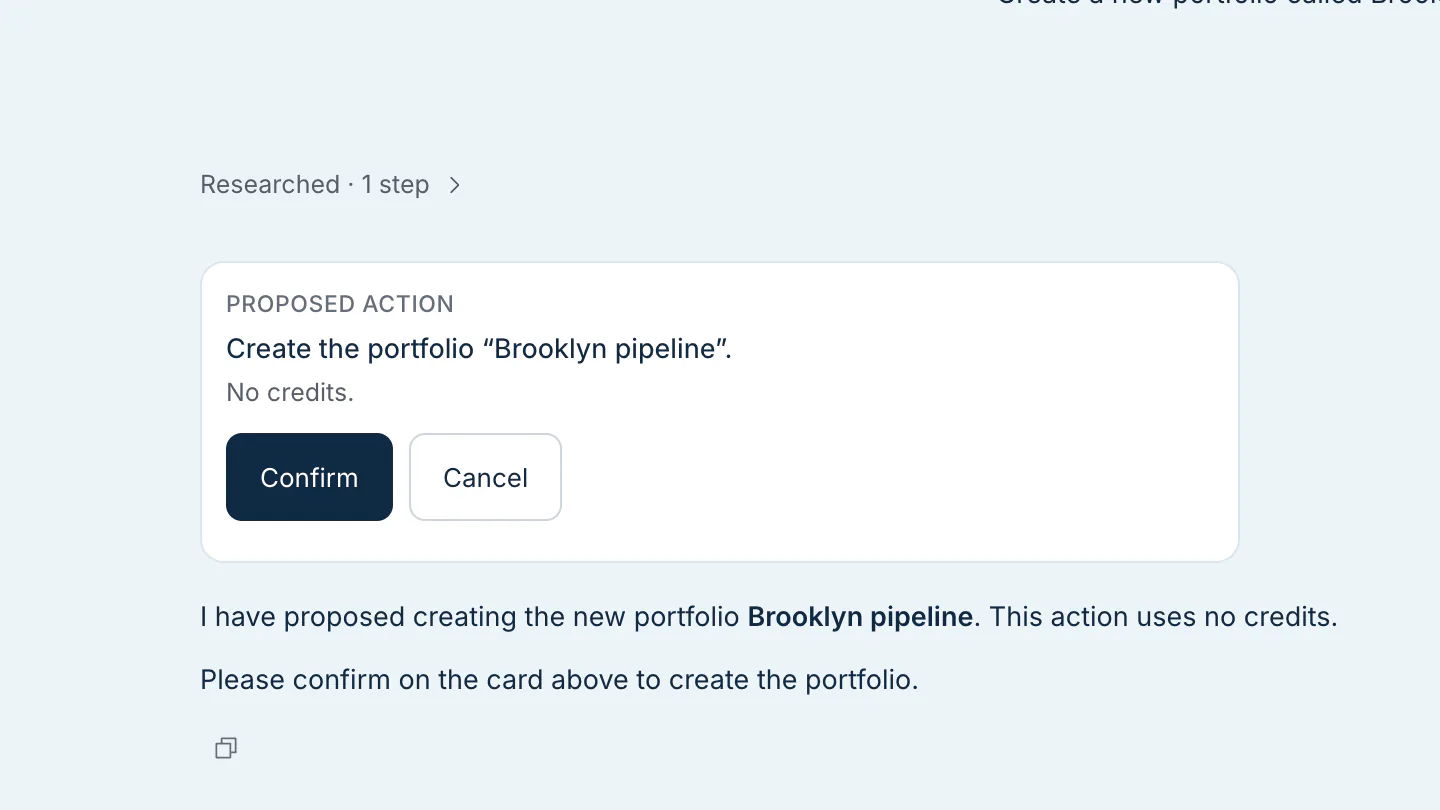
It never does any of these on its own. It shows a card saying what it is about to do, with the credit cost of any paid step, and waits for you to click Confirm. Once confirmed, the card follows the run and links to the result.
What uses credits
| In Research | Credits |
|---|---|
| Asking a question | Yes, based on the work the answer took |
| Building a report or workbook | Yes, based on the work the build took |
| An Intel Report or pro-forma you confirm | Yes, the same as starting it from the property; the card shows the cost first |
| Reading your own portfolios and properties | Free |
| Opening a document or previewing a workbook | Free |
| Copying or downloading a table | Free |
Your balance is in the top bar. If you run out, Research says so instead of answering, and you can add credits from the same place.