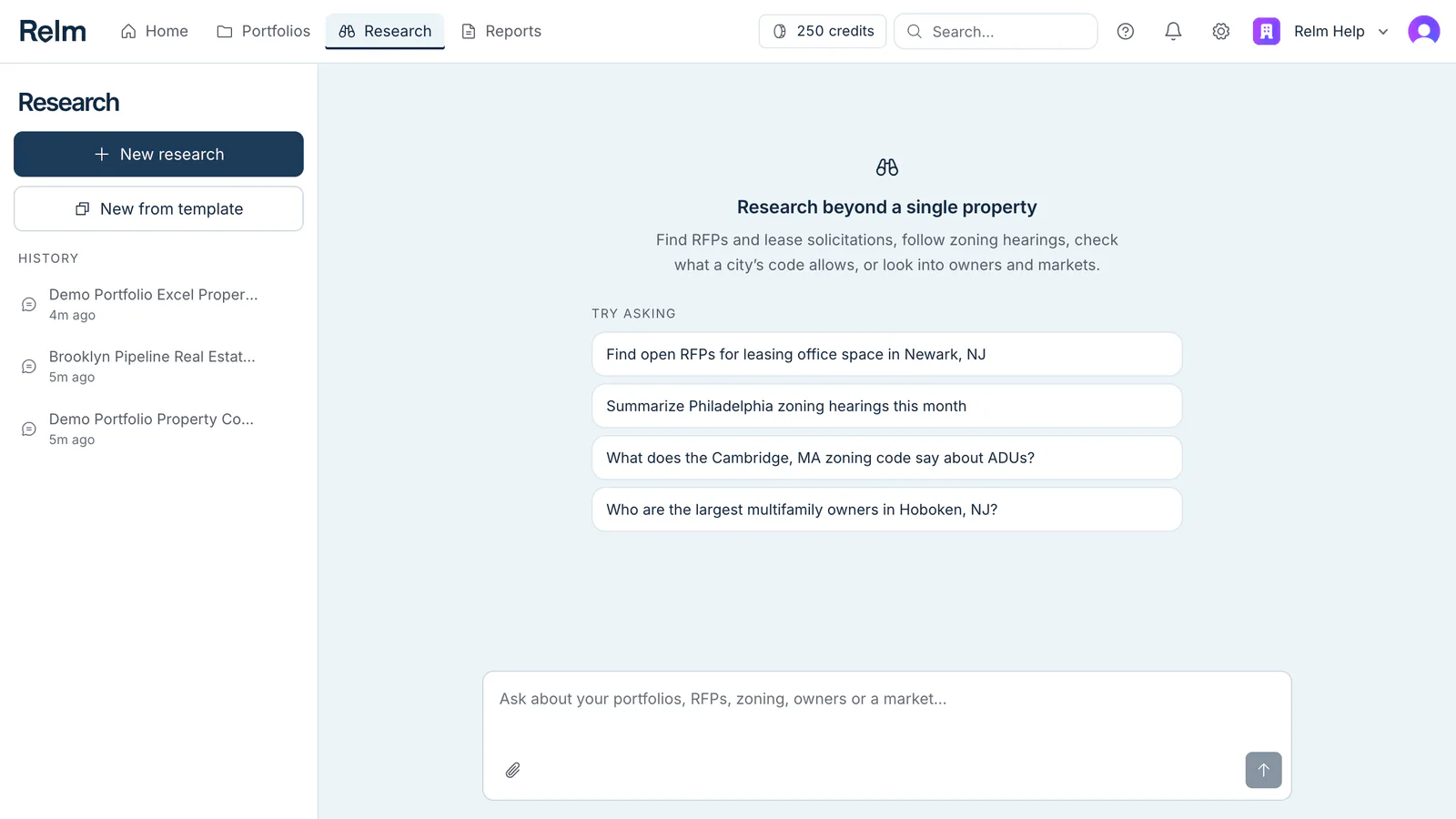
Research is a chat that is not tied to one property. Open it from Research in the top bar and ask about a whole city, a market, an owner, or any of the portfolios in your workspace.
What to ask
- Deal flow — "Find open RFPs for leasing office space in Newark, NJ."
- Zoning — "What does the Cambridge, MA zoning code say about ADUs?" or "Summarize Philadelphia zoning hearings this month."
- Owners and markets — "Who are the largest multifamily owners in Hoboken, NJ?"
- Your portfolios — "Show me all the violations in this portfolio" or "Compare these three properties." See Research across your portfolios.
Where the answers come from
Research answers from records it fetches when you ask:
- the Relm Data library of government open-data sources across the Northeast,
- zoning codes and court dockets,
- the data already saved on your own properties,
- and any documents you attach to the chat.
Each finding cites the record it came from. A property whose records have not been pulled yet is listed as not checked, never as clean, and a source that could not be reached is reported as exactly that.
How it differs from an Intel Report and property chat
| Research | Intel Report | Property chat | |
|---|---|---|---|
| Starts from | A question | One property | One property |
| Covers | Cities, markets, owners, several portfolios | Every section of one building | The property you are on |
| Gives you | An answer, plus reports, tables and Excel models | A full property briefing | Answers and proposed edits |
Research can start an Intel Report or a pro-forma for you, after you confirm. See Actions and credits in Research.
Your research is saved
Every conversation is kept in the history list on the left, shared with your workspace, so a teammate can pick up where you left off. On a phone or tablet the history opens from History at the top of the page.