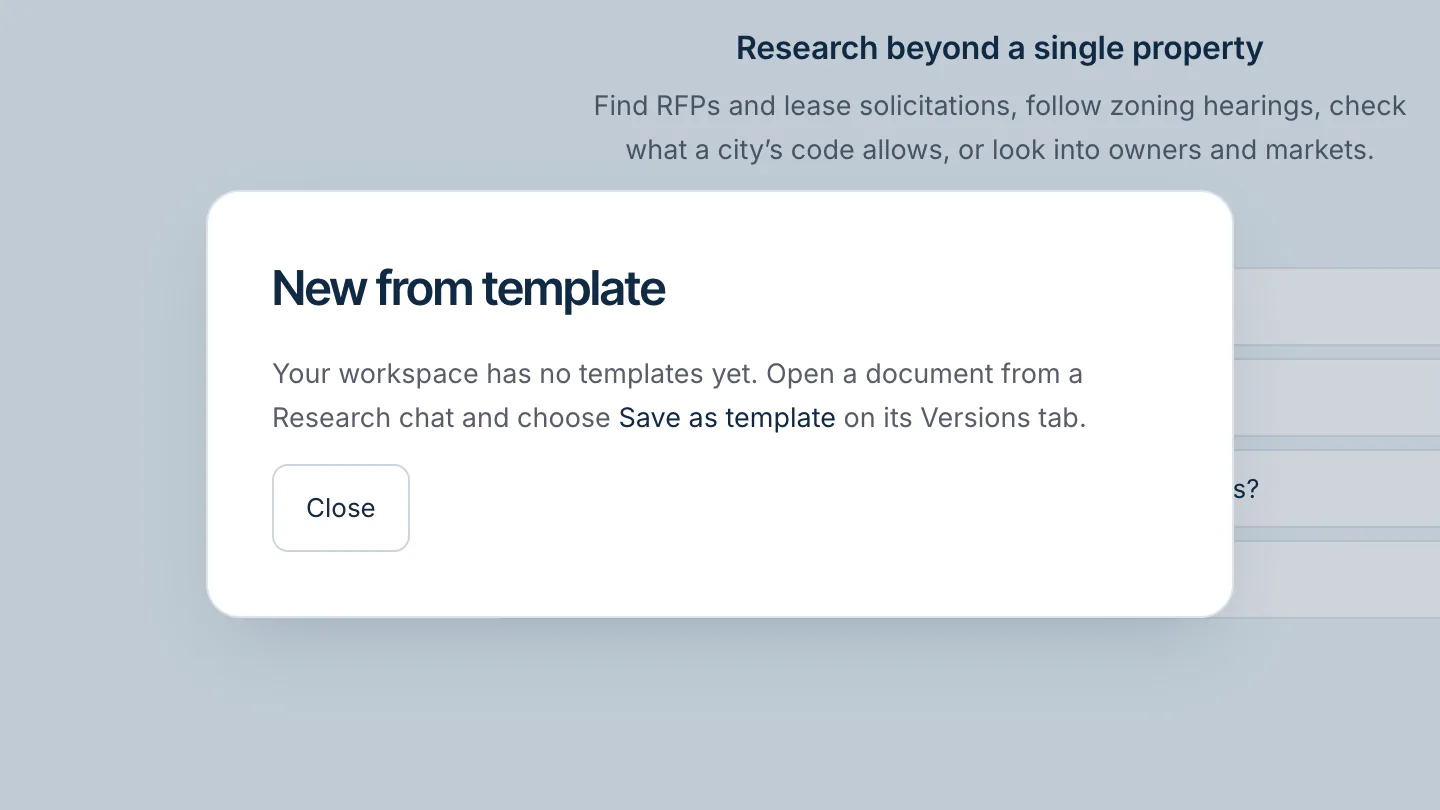
Start a research chat
- Click Research in the top bar.
- Type your question in the box at the bottom, or click one of the examples under Try asking.
- Press Enter to send. Shift + Enter adds a new line.
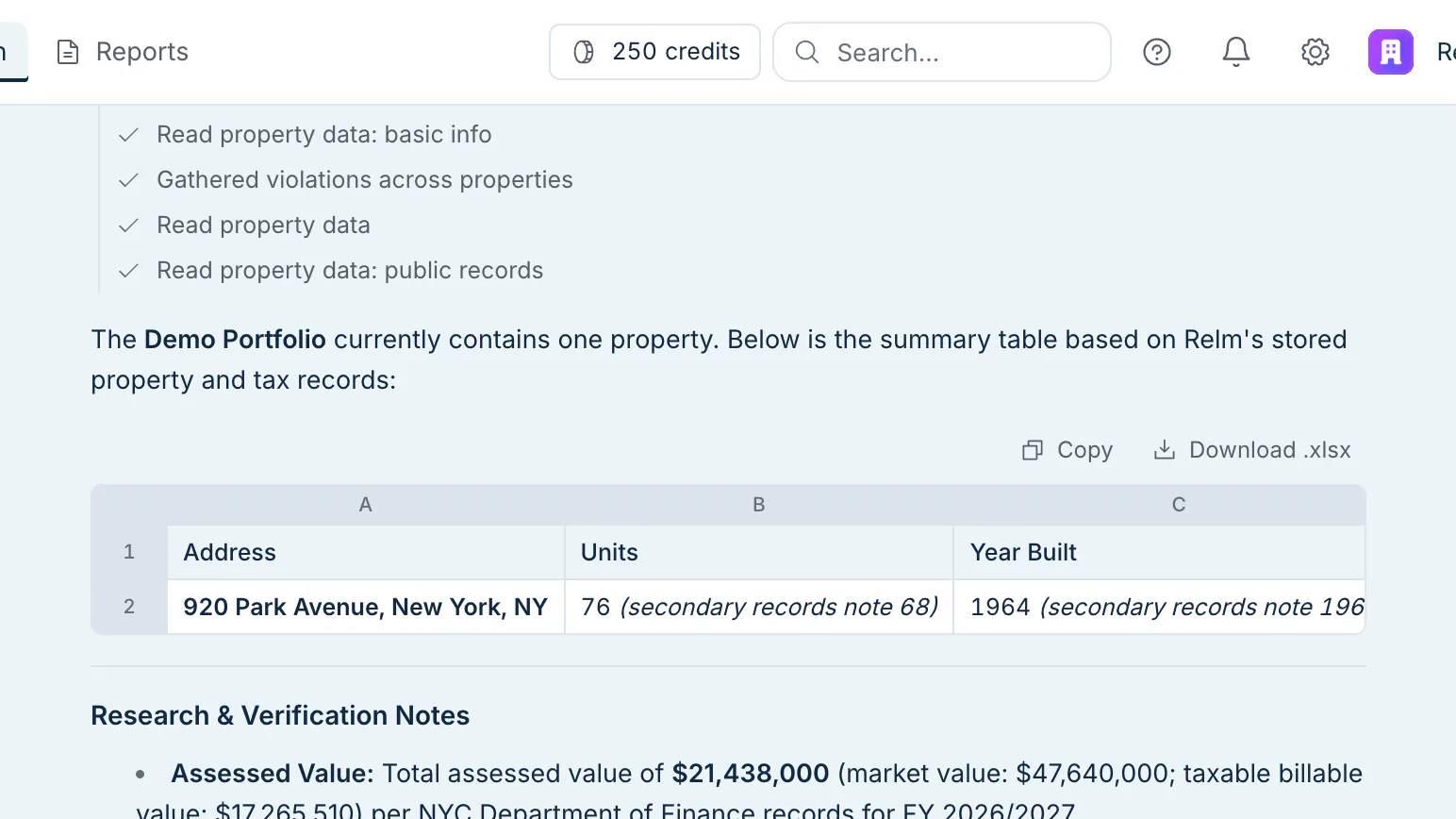
While Research works, it shows the steps it is taking. When it finishes, the steps fold into one line, such as Researched · 4 steps, that you can click to expand.
If you leave the page while an answer is being written, it keeps going and is waiting for you when you come back.
Ask good follow-ups
Research remembers the conversation, so a follow-up can be short:
- "Only the ones due this month."
- "Put that in a table."
- "Make it an Excel model with a sensitivity table."
Attach a file
Click the paperclip next to the message box to attach one or more files. They are attached to the chat straight away, with no property needed, and your next question can refer to them. A file that could not be read says so next to its name. You can link a file to one of your properties later from the Sources list.
Pick up an earlier conversation
Your conversations are listed under History, newest first, with their titles and when they were last updated. Click one to reopen it. To remove one, hover over it and click the trash icon.
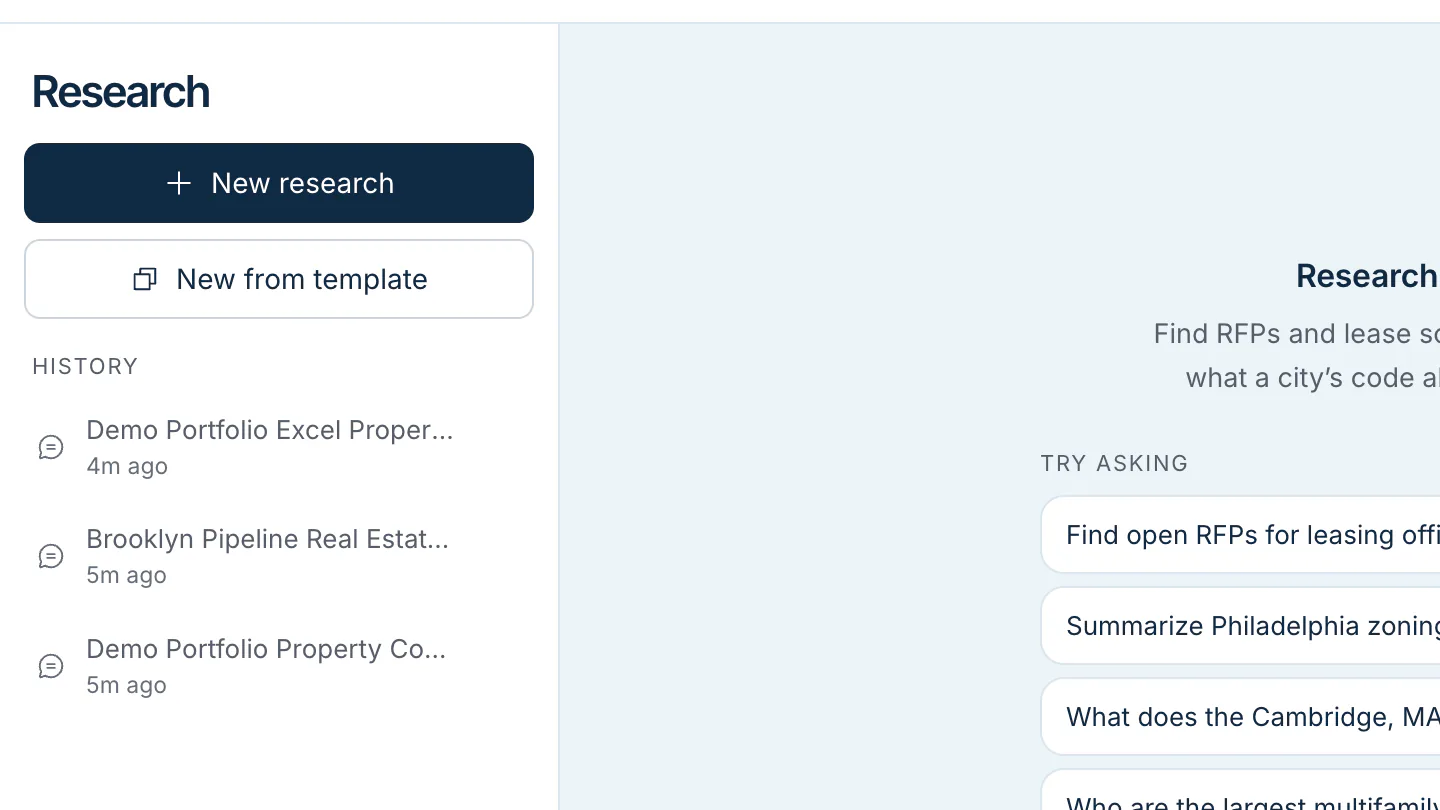
Start from a template
Click New from template to start a new chat from a report or workbook your workspace saved as a template. Research opens a copy, so the template itself stays unchanged.