Research can read every portfolio and property in your workspace, so one question can cover many buildings.
Ask about one or more portfolios
Name the portfolios, or say "this portfolio" after you have mentioned one:
- "Show me all the violations across my Brooklyn and Queens portfolios."
- "Which properties in this portfolio have open permits?"
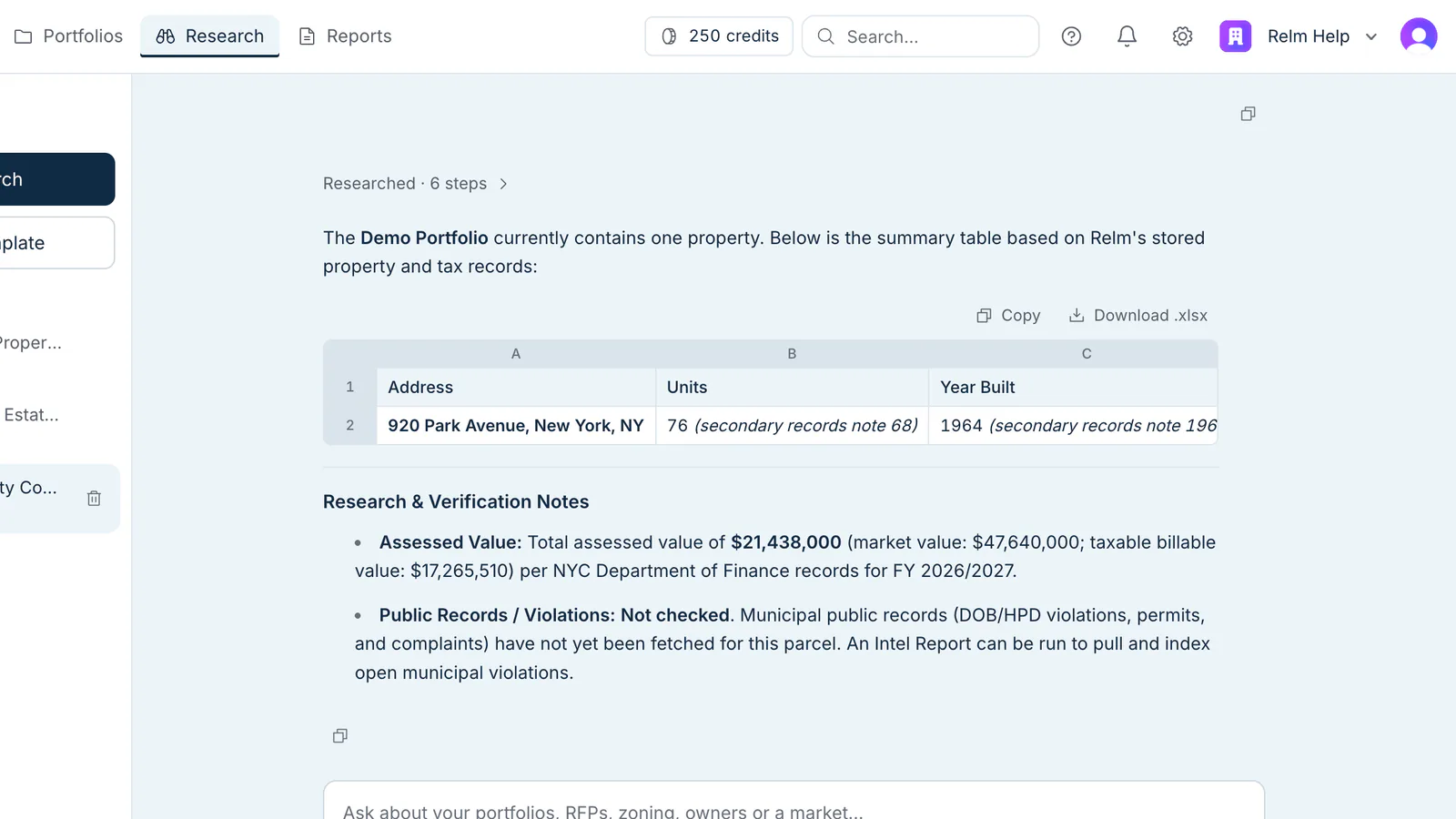
Research reads the public records already pulled for each property. A property whose records have not been pulled yet is listed as not checked, never as clean. Reading your own data is free.
Compare properties
Ask for two or more properties side by side — "compare 920 Park Avenue with 14 Main Street" — and Research lays out their key facts in one table.
Build a comparative DCF
Ask for a comparative DCF and Research builds it from each property's saved pro-forma. If a property has no pro-forma yet, Research says so and offers to start one; nothing runs until you confirm. See Actions and credits in Research.
Create portfolios and add properties
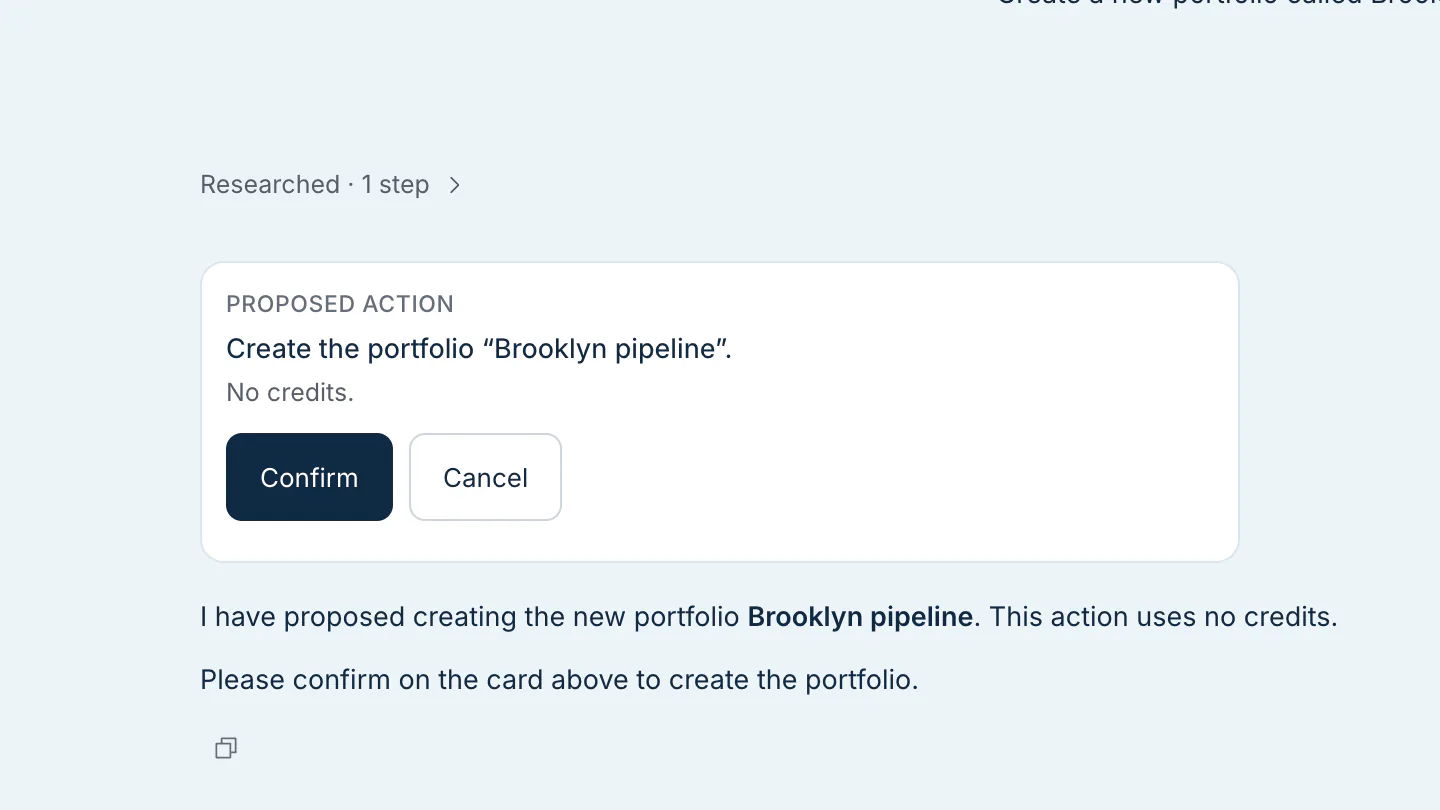
You can also ask Research to create a portfolio or add an address to one. It shows what it is about to do and waits for you to click Confirm.