Relm doesn't have a separate AI token cap. All AI work — research runs, pro-formas, chat, and document processing — is metered in credits, with a few safeguards to keep usage predictable. This page explains what counts and what happens at the limits.
What counts as usage
- Intel Report runs. Charged when the run completes, based on the data and AI work it delivered — about 300 credits for a typical full analysis.
- Section re-runs. Charged only for the sections you re-ran.
- Pro-forma generation. Charged when the run completes.
- Chat. Each answer uses a small number of credits (at least 2), based on the AI work it takes.
- Document processing. Uploads use a small number of credits based on their length (at least 2 per document).
What doesn't count:
- Saving manual edits, Excel export, and push-back from Excel.
- The instant address preview before you add a property.
- Exploring the sample Demo Portfolio (re-runs are turned off there, and chat is free).
Self-Serve limits
- Your balance. New Intel Report runs need a positive credit balance. Work that's already running finishes even if it takes your balance below zero, and the difference comes out of your next monthly refill or top-up. Anything that hasn't started yet shows Paused — out of credits and resumes on its own when credits are added.
- Three analyses at a time. Each organization can run up to three analyses at once; more are queued and start automatically in order.
Enterprise
Enterprise is metered the same way: you start with 5,000 credits, and more are added with each paid invoice (no cap, and they never expire). If you need credits sooner, contact your account team.
Where to see usage
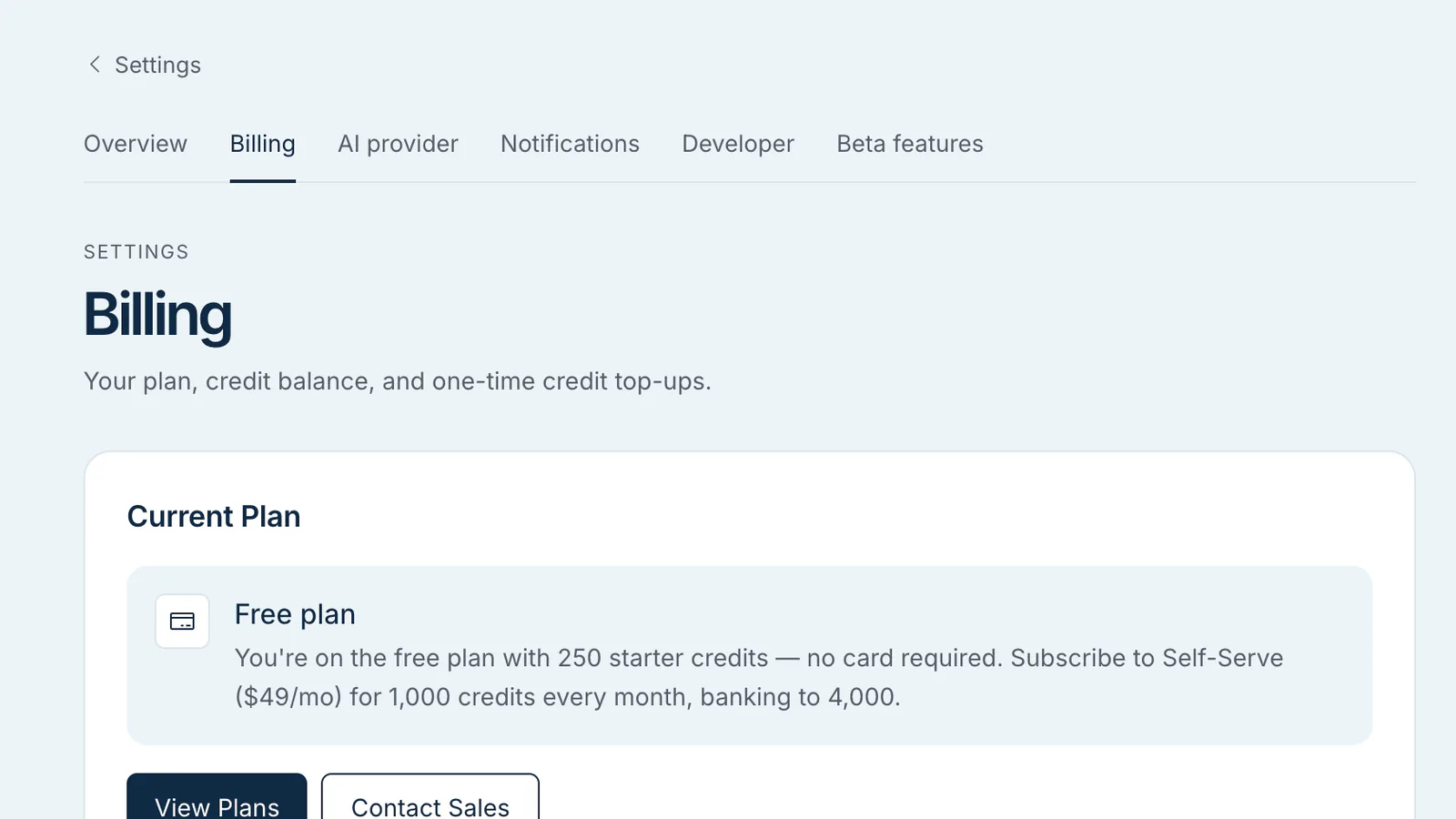
- Settings → Billing shows your credit balance ("credits remaining · used this cycle") and a Credit activity list of where your credits went, day by day. Chat rolls up into one line per day; each Intel Report and pro-forma is listed per property.
- The credit chip in the top bar shows your live balance on every page and turns amber when you have roughly one full analysis left.
Why these limits exist
Two reasons:
- Cost control — frontier-model AI costs real money, so every piece of AI work is metered in credits and shows up in your credit activity.
- Fair capacity — the three-at-a-time limit keeps research moving for everyone on shared infrastructure.
Adjusting
If you need more than your Self-Serve allowance, an org admin can buy a top-up pack on the Billing page — top-up credits never expire. For a larger ongoing allowance, move to Enterprise.